Now in Early Access
Your notch,
unlocked
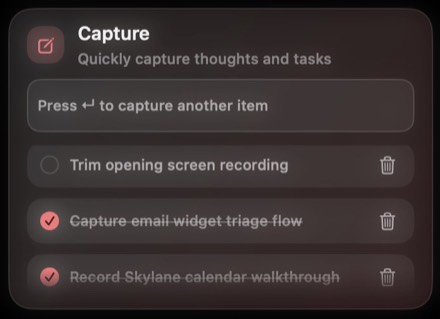
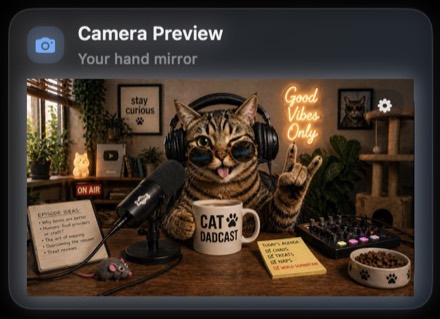
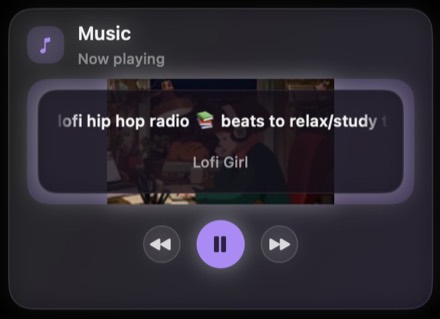
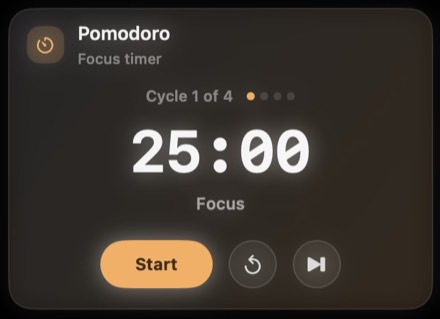
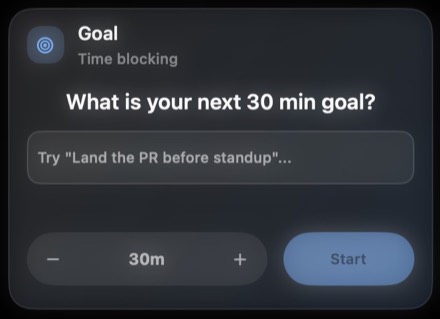
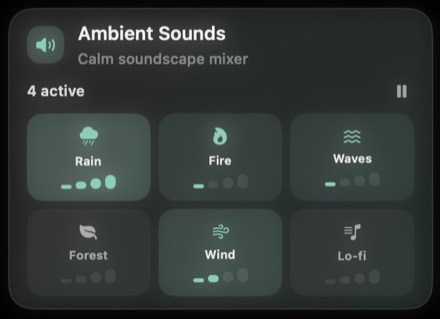
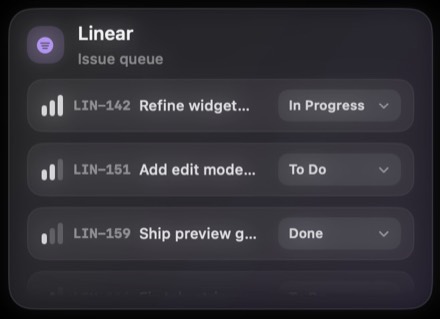
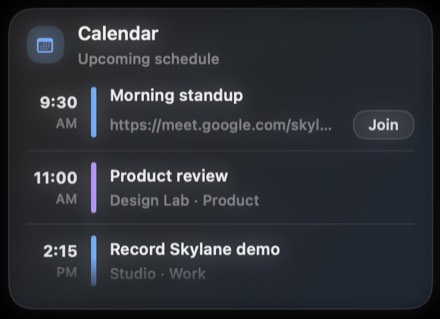
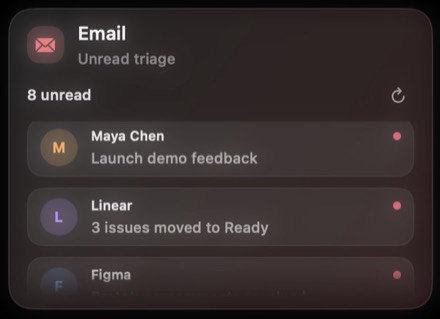
Skylane turns the MacBook cutout into an always-available widget hub. Expand it, organize it, make it yours.
Open anytime with ⌘ ⌥ Space
How it works
A workspace that's always right there
Four moves that turn the notch into a workspace shaped to you.
Extensions API
Build anything
that fits the lane
For the work only you do. React, TypeScript, hot-reload — create a widget in minutes with a familiar DX, just like a Raycast extension.
import { Stack, Text, Button } from "@skylane/api";
import { useState } from "react";
export default function Counter() {
const [count, setCount] = useState(0);
return (
<Stack direction="vertical" gap={12}>
<Text size="lg">{count}</Text>
<Button onAction={() => setCount(c => c + 1)}>
Increment
</Button>
</Stack>
);
}
import { useState } from "react";
export default function Counter() {
const [count, setCount] = useState(0);
return (
<Stack direction="vertical" gap={12}>
<Text size="lg">{count}</Text>
<Button onAction={() => setCount(c => c + 1)}>
Increment
</Button>
</Stack>
);
}
Reclaim the
dead pixel
v0.2.3
Early access — open source under Apache 2.0
Requires macOS 14+ · Apple Silicon & Intel